

Save 30% on your first year

Free receipt scanner app for iPhone and Android

Snap one receipt or a whole stack, from your camera, your photos or a PDF. Smartbills reads the store, date, items and taxes for you.

Download on the App StoreGet it on Google Play
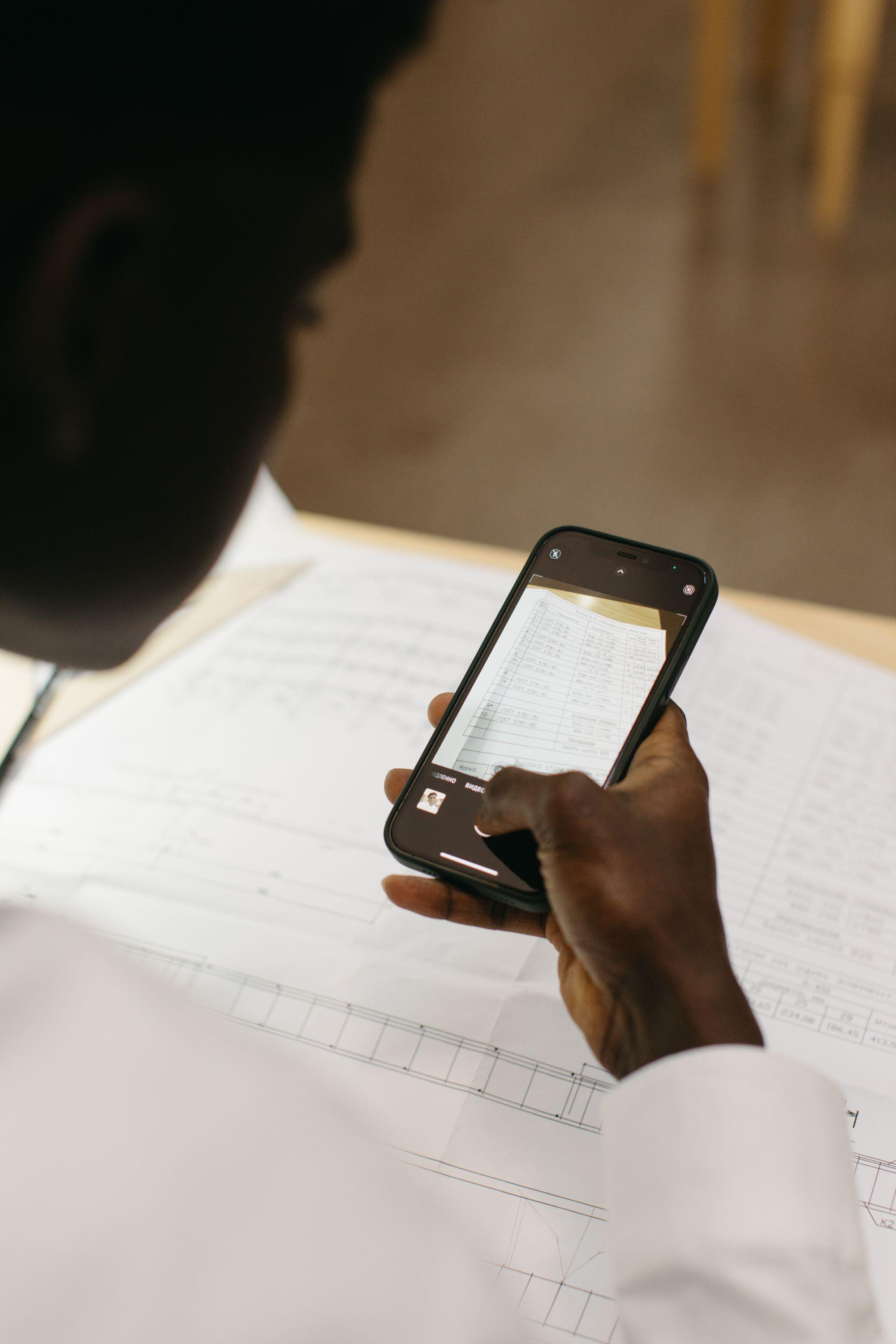
Hands photograph a printed page with a phone at a desk

Take a photo and Smartbills reads the store, every item and each tax, and stores the receipt online.

Snap it, and the details fill in

Take a photo and Smartbills reads the store name and address, the date, the receipt number, each item with its quantity and price, the subtotal and each tax. Taxes stay on separate lines, the way the receipt prints them.

  • Each item with its quantity and price
  • Each tax on its own line
  • The store matched to a vendor you already have

Scan one receipt or a whole stack

Tap the upload button and choose how: take photos with the camera, pick several from your photo library, add a PDF or a file from your phone, or type the receipt in by hand. Receipts with several pages are read page by page.

  • Several photos in one go
  • PDFs and files from your phone
  • iPhone, Android and the web app

Straight into QuickBooks or Xero

A scanned receipt gets a category and joins your expenses like any other receipt. On a paid plan it goes to QuickBooks Online or Xero with the photo attached, and your bookkeeper stops asking for the paper copy.

How to scan receipts with Smartbills

  1. Take a photo

    Open the Smartbills app and tap Camera, Gallery or Documents. Add one receipt or several at once.

  2. Smartbills reads it

    The store, date, items, subtotal and taxes are read from the image, the store is matched to a vendor, and the receipt gets a category.

  3. It's ready when you are

    The receipt sits in your expenses with the photo. Add it to an expense report, keep it for tax time, or send it to your accounting software on a paid plan.

Keep exploring

FAQ

Frequently asked questions

What people ask us before they sign up.

It's an app that turns a photo of a paper receipt into something you can search and file. A basic one reads the store, date and total. Smartbills also reads each item and each tax, on iPhone and Android, and keeps the photo with the receipt.

Yes, Smartbills. The free plan includes photo scanning on iPhone and Android for a set number of receipts each month. Paid plans add expense reports, approvals and sync with QuickBooks and Xero. The pricing page has the current limits.

Yes. Each tax on the receipt is read on its own line, along with any tax registration number printed on it. In Canada, that's what you need to claim input tax credits.

Yes. Take photos back to back or select a batch from your photo library, and each one becomes its own receipt. PDFs and receipts with several pages are read page by page.

Yes, when the image is clear and complete. Both accept electronic copies of paper records. You don't have to keep the paper. Smartbills keeps the photo with the receipt. Keep records for six years in Canada and, in most cases, three to seven years in the US.

Yes, on a paid plan. Scanned receipts sync to QuickBooks Online and Xero with the photo attached, along with receipts from email and from stores.

You don't need to scan those. Connect your mailbox and email receipt capture picks them up. Stores that send receipts through Smartbills deliver them to your account directly. The scanner is for receipts that only exist on paper.

Get started

Scan your first receipt in a minute

Download the app, take a photo, and see what Smartbills reads off it.