Save 30% on your first year

Digital receipts for every sale, sent from your POS

Every sale gets an itemized receipt by text, email or app, straight from Square, Toast, Clover, Lightspeed or Shopify POS. No integration project for the store, nothing to install for the customer.

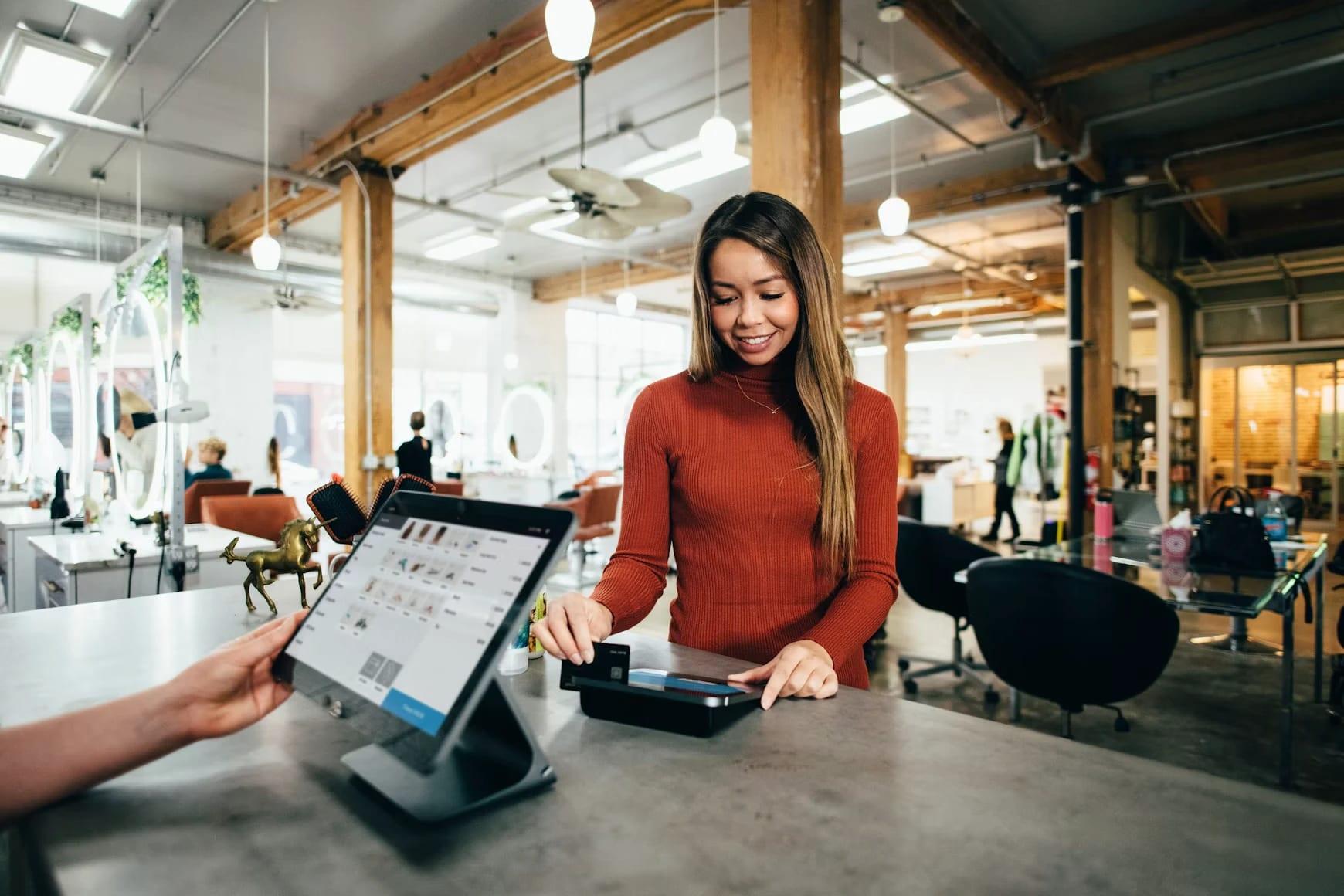
A customer pays at a salon checkout counter with a card terminal

Smartbills turns each sale into an itemized receipt and delivers it in seconds to the customer's phone, their bank or their company's books.

One clean record per sale

A paper slip gives a total. The receipt Smartbills sends lists each item with its quantity, price and tax, plus how and when it was paid.

  • Quantities, unit prices and tax per line
  • Store, payment method and time of sale
  • One format every app reads the same way
Maple & Rye4398 Rue Saint-Denis, MontréalDirections

Delivered the way they choose

Each receipt gets its own web page and goes out by app, text, email or the API. The customer at the counter gets an itemized receipt without downloading anything.

  • A hosted page, opened from a link or QR code
  • No account to create
  • Their channel remembered for next time

Connected once, at the POS platform

Smartbills connects to the point-of-sale platform, not to each store. A shop or restaurant on a connected platform can start sending receipts without an integration project.

Ready for every app downstream

The receipt arrives as data, and each app that gets it puts it to work. The same receipt fills a customer's wallet, an employee's expense report and a bank's transaction screen.

How a receipt travels.

  1. The sale closes

    The store rings it up on the point of sale it uses today.

  2. The receipt goes digital

    Within seconds the POS platform sends Smartbills the itemized receipt: items, prices, taxes, payment and time.

  3. Hosted and delivered

    Smartbills hosts it and sends it by app, text, email or QR code, or to another system through the API.

  4. Put to use

    The customer keeps it, their employer's expense tool matches it to the card, and their bank can show it under the charge.

FAQ

Frequently asked questions

What people ask us before they sign up.

A digital receipt is the store's record of a purchase, sent as data from its point of sale. It lists each item, the quantity, the taxes, how you paid and when. It isn't a photo or a PDF of a paper slip: data can be sorted, matched and searched, while an image can only be stored.

If it runs Square, Toast, Clover, Lightspeed or Shopify POS, Smartbills connects through that platform and there is nothing to install in the store. Merchants on other systems send receipts through the API.

No. The same receipt can reach the customer five ways: the app, text, email, a hosted receipt page, or through the API inside a bank's app. A customer who doesn't want the app still gets an itemized receipt.

It's the itemized receipt on its own web page. The customer opens it from a link in a text or email, or by scanning a QR code, on any phone or browser, without creating an account.

Yes, through the same API, as Embedded Receipts. You show the receipt with your own components in a screen you control. That's how a bank turns a line on the statement into an itemized receipt inside its app.

Yes. The CRA and the IRS accept electronic records that are complete, legible and kept for the required period. Smartbills keeps the original merchant record with the fields read from it, and you can produce either one.

They add the cards their team pays with. Receipts sent through Smartbills are then matched to the card charge, categorized and posted to QuickBooks, Xero or Sage. Smartbills expense management is built on this.

They come in through a connected mailbox or a photo in the app, and Smartbills reads the merchant, date, total and taxes from them. You don't get the line-by-line detail a connected store sends, but the receipt is still categorized, matched to the charge and posted to your books.

As long as your retention policy requires. Receipts stay searchable by merchant, amount, date, card and GL code for the whole period, and finding one for an auditor is a quick search.

Four things: receipts sent as structured data with every item and tax rather than as a PDF, a choice of delivery (app, text, email or API), support for the point of sale you run, and how long receipts are kept. Data, not a picture, is what lets the customer's apps use the receipt.

Get started

Send digital receipts from the POS you run today.

Tell us which point of sale you use and we'll show you your own receipts, itemized, hosted online and delivered by text, email or app.