Save 30% on your first year

The receipt organizer app you don't have to feed

The Smartbills app for your own purchases. One receipt wallet for everything you buy, itemized and searchable by item.
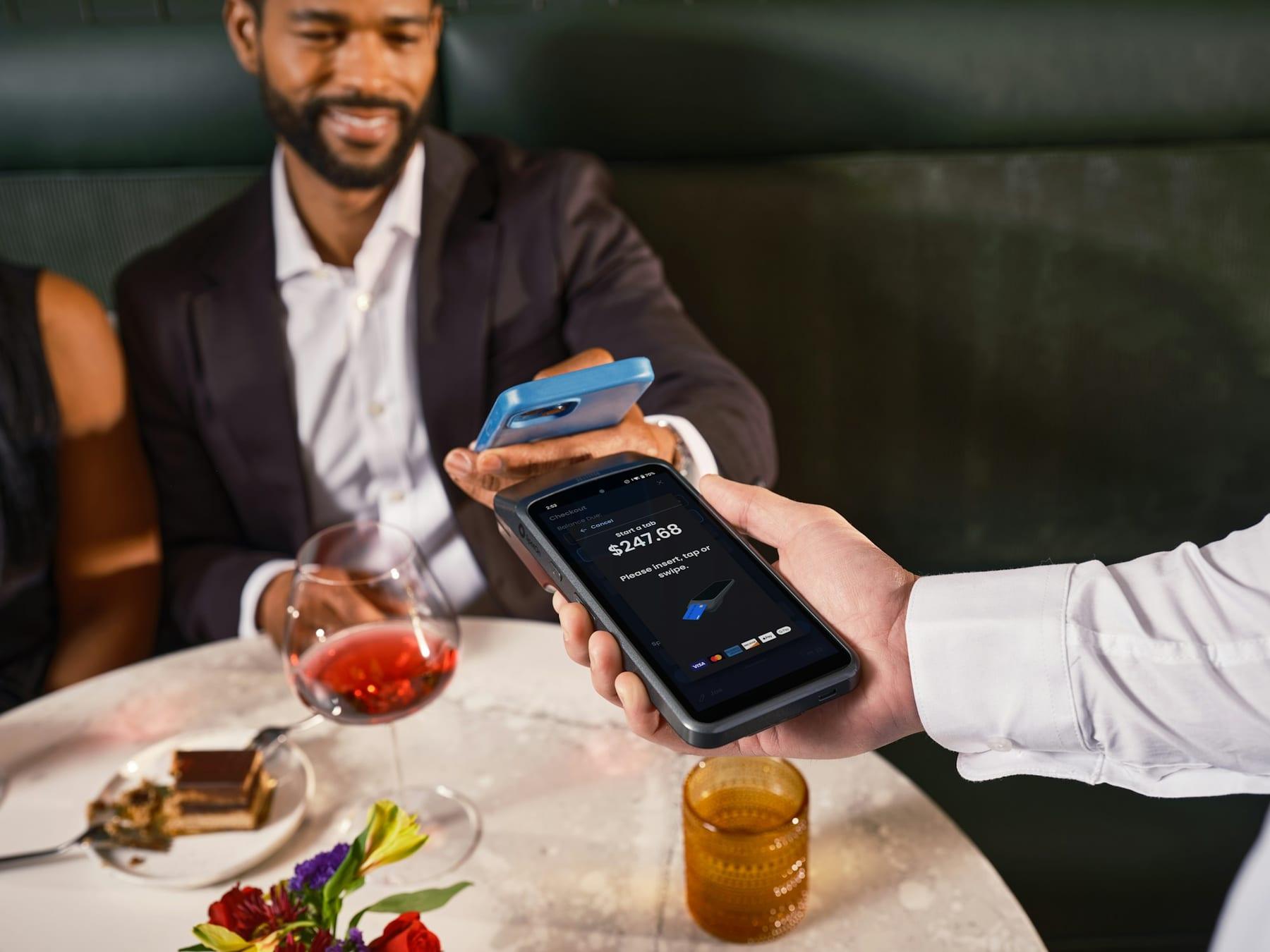
A diner pays by phone at a restaurant table

Shop at a store connected to Smartbills and the receipt reaches the app as text, with every item, the tax and how you paid.

Nothing to scan and nothing to file

At a store that sends receipts through Smartbills you don't do anything at checkout, because the receipt is in your receipt wallet before you've left the counter. Email receipts get uploaded once, and after that they work like all the others.

  • From a store that uses Smartbills the moment you pay
  • Upload an email receipt and it's read and filed
  • Photograph the paper ones, and the app marks which they are

A receipt organizer you search by what you bought

What you usually want to know is where the charger came from or what the vet charged. Since the receipt came in item by item and not as an image, finding that out is a quick search and not an afternoon of scrolling.

  • Search items, store, amount, date and how you paid
  • A pharmacy receipt keeps the prescription apart from the rest
  • Kept for as long as the warranty or claim behind it lasts

One receipt, a few different uses

People hang on to receipts because something might break, because three friends still owe them for dinner, or because a subscription keeps charging them every month. The same receipt covers each of those.

Your receipts stay yours

Deleting a receipt really deletes it, with nothing quietly kept in an archive. You can export your whole receipt wallet in a format other apps can read. Stores pay Smartbills to deliver their receipts, so the app has no reason to sell ads against what you buy.

How wallet works

  1. Get the app, add a card

    Your card is how a store that uses Smartbills's receipt finds you. No bank login, and the app never reads your statements.

  2. Receipts arrive

    Itemized receipts come in from stores you already shop at that use Smartbills. Nothing to ask for at the counter.

  3. Fill the gaps

    Upload the receipts that come by email and photograph the paper ones.

  4. Use them

    Returns, warranty claims, splitting a bill, cancelling a subscription or adding up what you can claim at tax time.

FAQ

Frequently asked questions

What people ask us before they sign up.

A receipt wallet keeps all your receipts in one place on your phone, the way a wallet holds your cards. The Smartbills receipt wallet gets itemized receipts straight from stores that send them through Smartbills, and you add the emailed and paper ones yourself. Every receipt stays searchable by the items on it.

A receipt organizer app keeps your receipts in one place. You can find them later for a return, a warranty claim, an expense or your taxes. The Smartbills app gets itemized receipts from the stores that send them, and you can add emailed receipts and photos of paper ones.

A store's digital receipt covers that one store, while the wallet collects your receipts from every store you shop at. Stores use Smartbills to send customers an itemized receipt instead of printing one, and your wallet is where those land, next to the ones you upload or photograph.

Only when the store isn't connected and doesn't email you a receipt. A photo gets the store, the date and the total but not the individual items. You can't split a mixed basket and there's nothing for a warranty countdown to start from.

No. Linking a card only lets a store that uses Smartbills's receipt be matched to you. Your bank statement already shows where you spent and how much; what you actually bought is on the receipt, and only the store has that.

Any store whose checkout system Smartbills connects to. The app shows you which of your regular places are connected, and the list keeps growing as more checkout systems are added.

Yes, the receipt wallet is free. Stores and checkout providers pay Smartbills to deliver receipts, which is why the app doesn't need to show you ads or sell what it knows about your shopping.

You export them and then delete your account, and you don't need to ask anyone to do either. The export includes every receipt with all its items, in a format other apps can open.

Yes, one receipt or a selection you pick. If you send your accountant your medical receipts for tax time, they get exactly those and not a year of groceries along with them.

For as long as the purchase behind them matters to you. A warranty can run for years and a tax authority can ask to see receipts six or more years later. An app that deleted them after ninety days would lose one just before you needed it.

Yes, for paper receipts. Take a photo in the app and it reads the store, the date and the total. Receipts sent through Smartbills need no scanning at all: they arrive itemized, line by line. Email receipts can be uploaded the same way as a photo.

Check where receipts come from (automatically, by email or only as photos), whether you can search by the items you bought rather than just the store, and what happens to your receipts if you stop using the app. A photo gives you the store, the date and the total; an itemized receipt gives you every line.

Get started

Stop keeping receipts.

Get the app, add a card, and this year's receipts sent through Smartbills will land in your receipt wallet without you asking.