Save 30% on your first year

Automatic receipts, itemized the moment you pay

When your team pays with a card you've added, stores that send their receipts through Smartbills deliver the itemized receipt on their own: every item, every tax and the tip, matched to the charge.

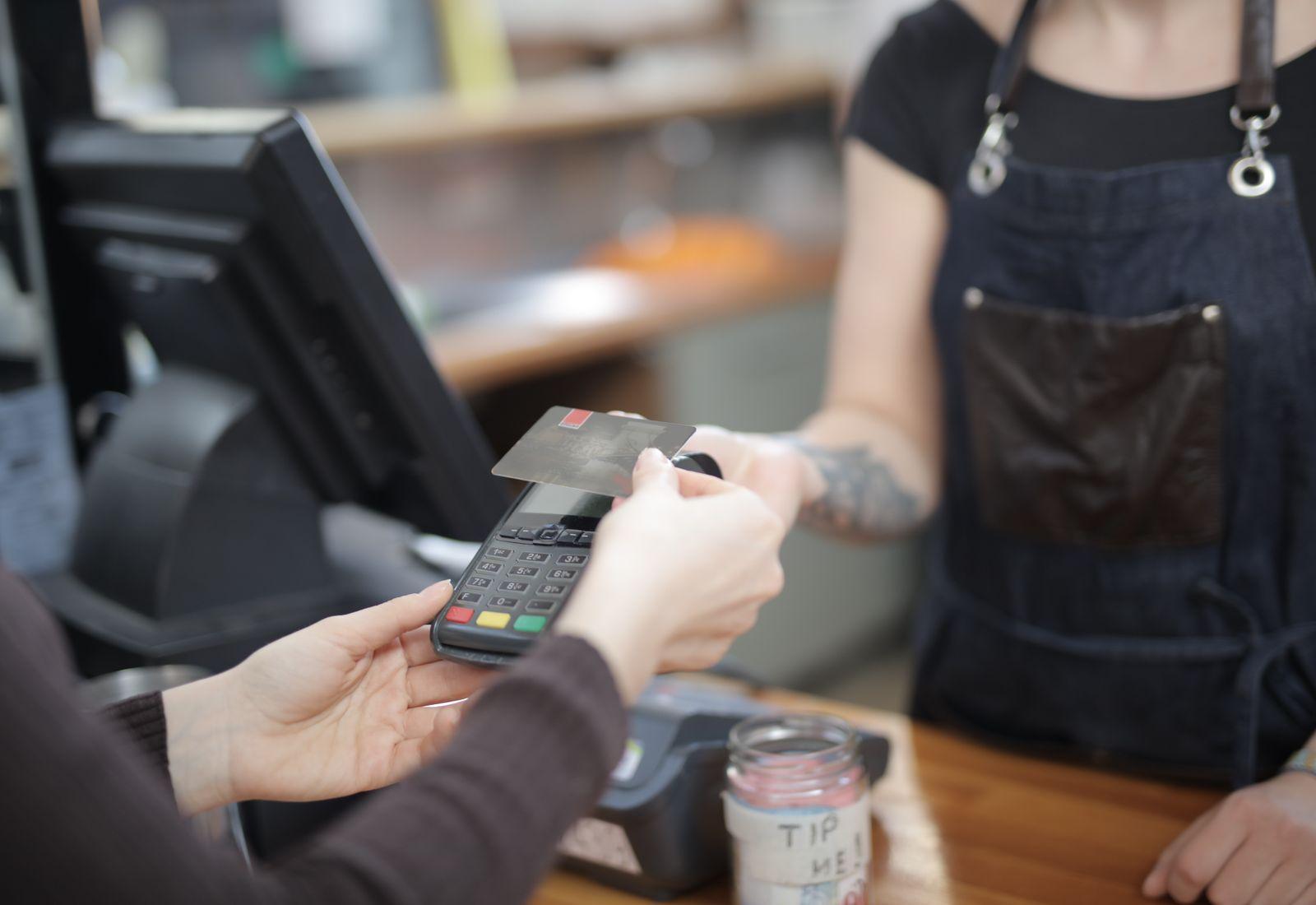
A customer taps a card at a café counter

When a card you've added pays at a store that sends its receipts through Smartbills, the itemized receipt arrives on its own, matched to the charge.

The receipt arrives when you pay

Add the cards your team pays with. When one of them pays at a store that sends its receipts through Smartbills, the itemized receipt lands in Smartbills within seconds, with nothing to photograph or forward.

  • Stores on Square, Toast, Clover, Lightspeed and Shopify POS
  • Nothing to photograph, forward or upload
  • A notification on the phone of the person who paid

Every item, every tax, the tip

The receipt comes from the store's own system, so it lists each item with its quantity and price, each tax on its own line, the tip and how it was paid.

  • Line items with quantity and price
  • Each tax and the tip on separate lines
  • Payment method and time of sale

Matched to the charge and posted to your books

Each receipt is matched to its card transaction, categorized and posted to QuickBooks, Xero or Sage with the receipt attached. Receipts from stores that don't send them yet come in by email or a photo in the app.

How automatic receipts works

  1. Add your cards

    Add the cards your team pays with, once.

  2. Pay as usual

    Tap or insert the card at the store. Nothing changes at checkout.

  3. The receipt arrives

    Stores that send their receipts through Smartbills deliver the itemized receipt within seconds.

  4. Matched and coded

    The receipt is matched to the charge, categorized and ready for the report or the books.

FAQ

Frequently asked questions

What people ask us before they sign up.

Itemized receipts that reach you without anyone asking for them. When a card you've added pays at a store that sends its receipts through Smartbills, the store's point of sale delivers the receipt with every item, tax and the tip, and Smartbills matches it to the charge.

Digital receipts are the merchant's side: a store sending itemized receipts from its point of sale. Automatic receipts are your side: those receipts arriving in your account, matched to your card, with no slip for anyone to keep.

Their receipts come in through a connected mailbox or a photo in the app, and Smartbills reads the merchant, date, total and taxes. You don't get the line-by-line detail, but the receipt is still matched to the charge and posted to your books.

No. They pay with a card you've added, the way they always do, and the receipt follows on its own.

Yes. In the free Smartbills app, receipts from those stores land in your wallet next to the ones you photograph or receive by email.

Get started

Stop chasing receipts after the fact

Add the cards your team pays with and let the receipts come to you.