

The receipt app
Keep every receipt from checkout, scan the paper ones and submit expenses on the go. For iPhone and Android.
Get the app: The receipt app
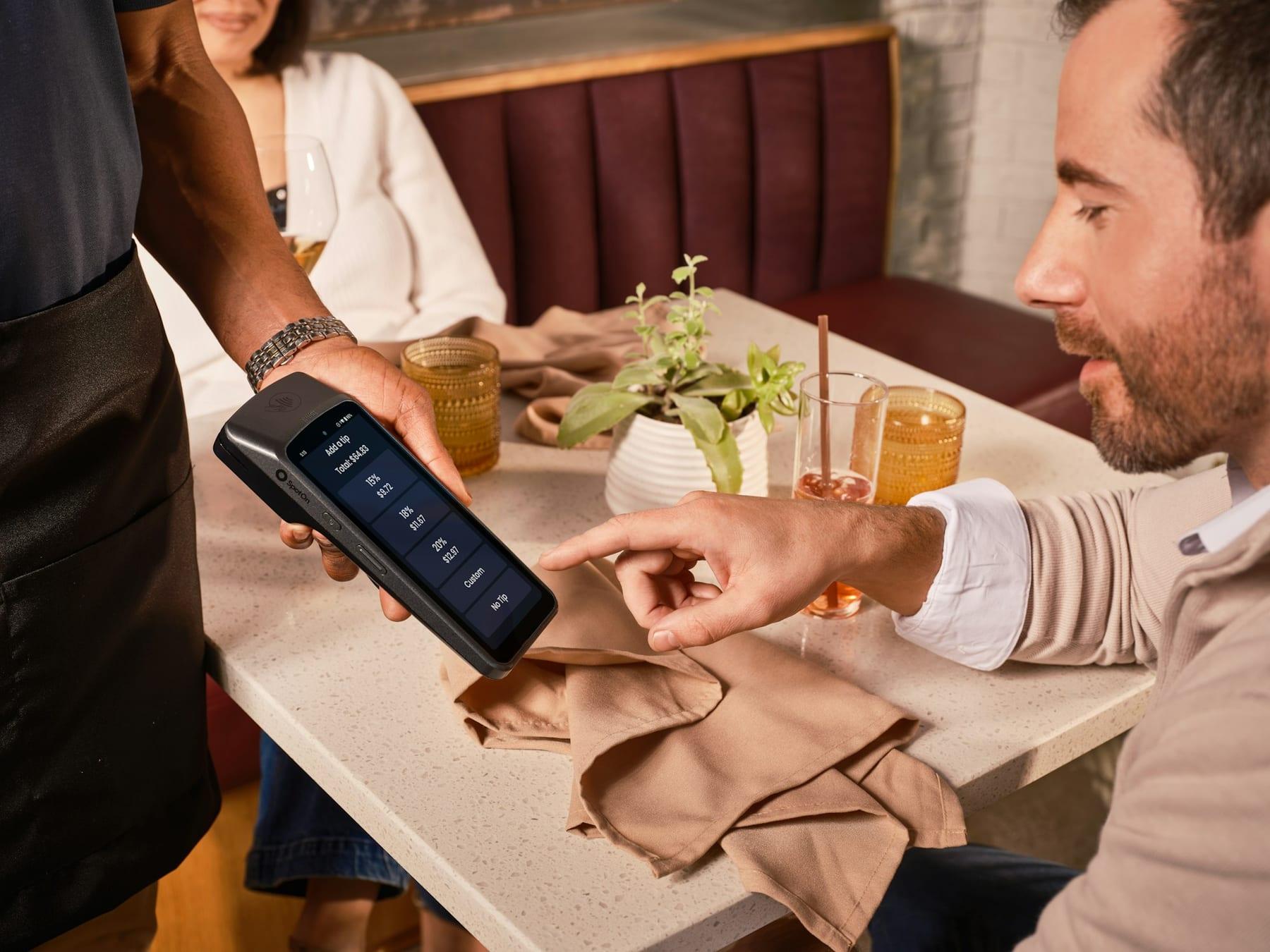
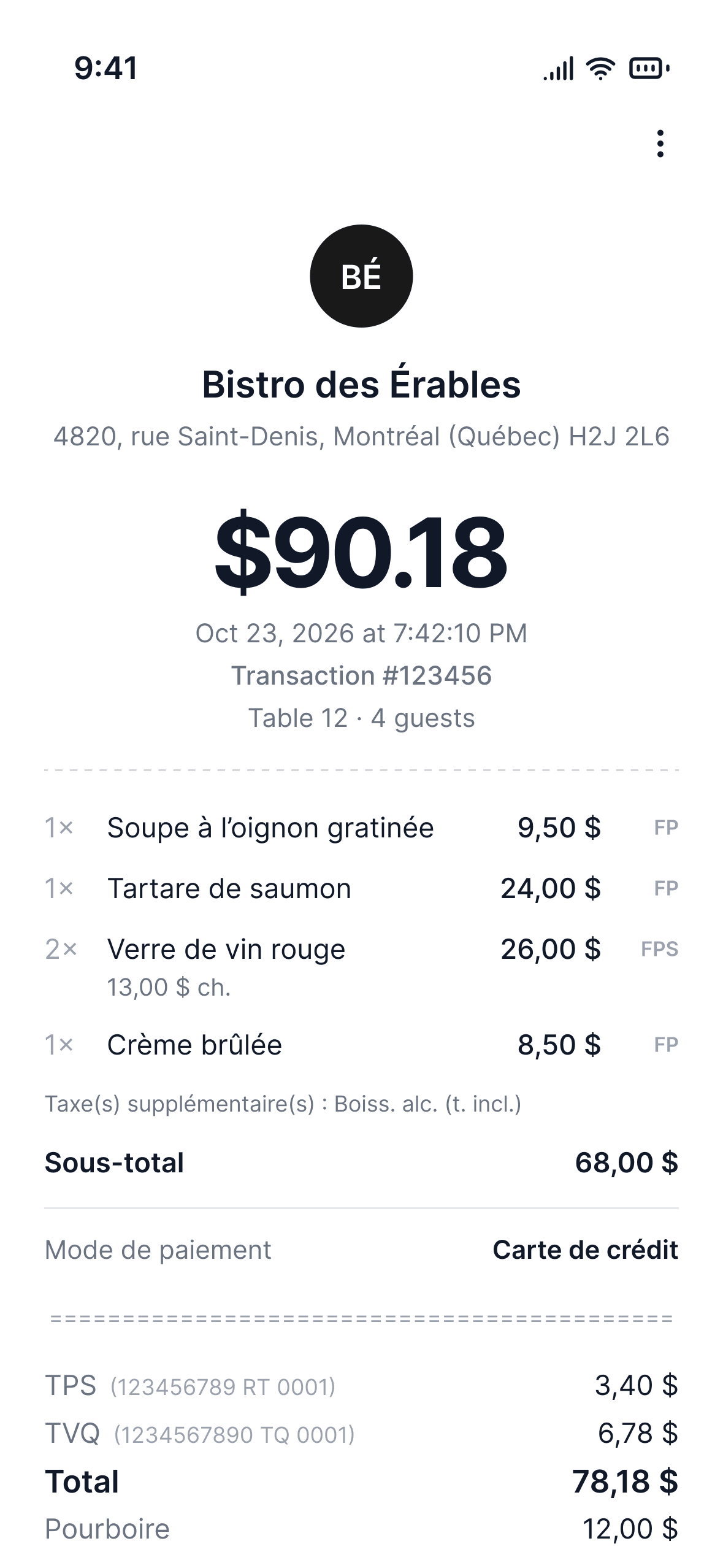
Smartbills is building a digital receipt for every purchase. The store sends it the moment you pay, with every item on it, straight to your phone.

For merchants
Send an itemized digital receipt at checkout, then bring customers back with loyalty.
For shoppers
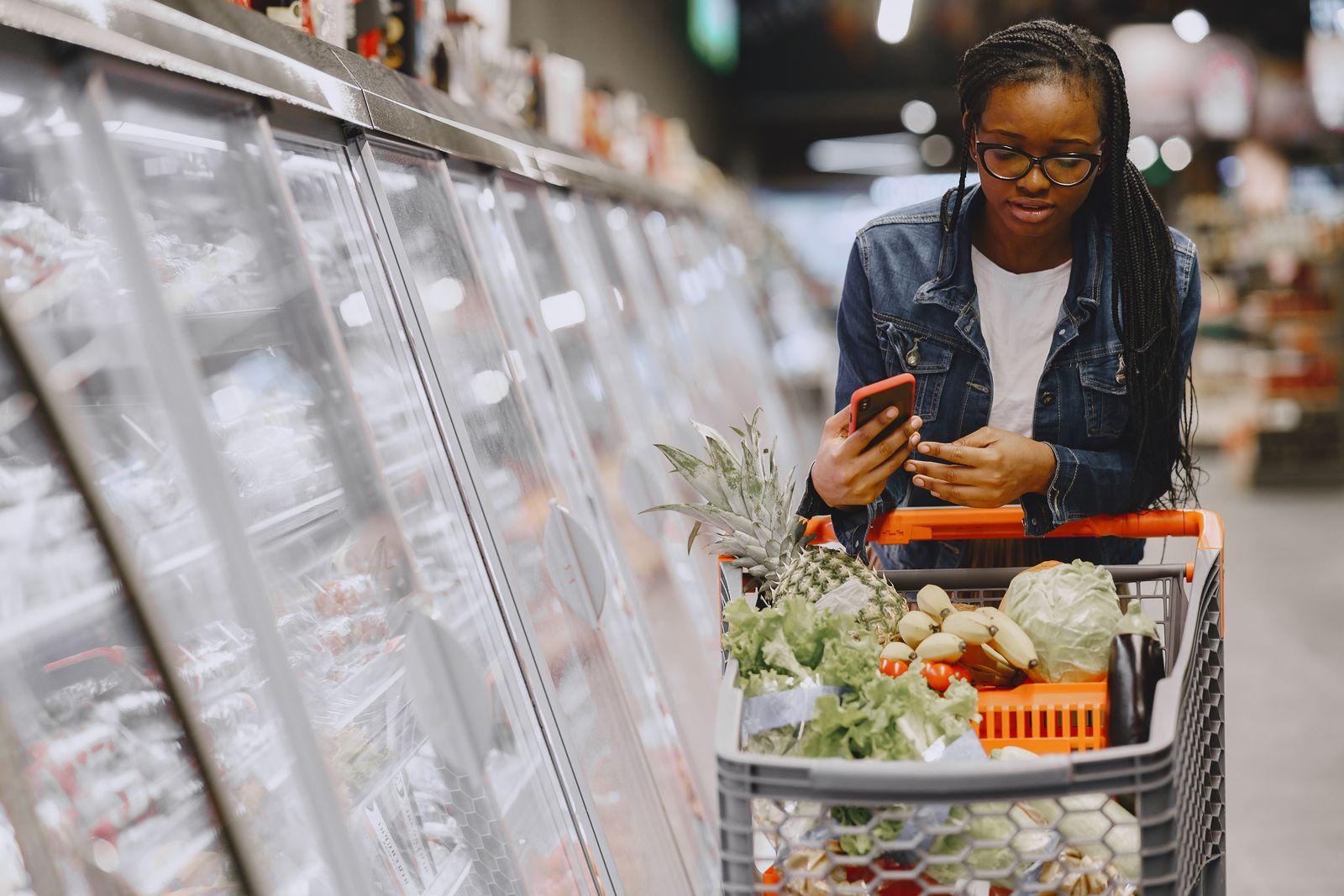
Your receipts in one app, ready for returns, warranties or splitting the bill.

For finance teams
Stop chasing receipts. They arrive matched to their transactions and coded.

For developers
Enrich card transactions with their itemized receipts through one API.
Your receipt shows up on its own in the Smartbills app, in your email, by text, in your bank account or in your expense management software.
Keep every receipt from checkout, scan the paper ones and submit expenses on the go. For iPhone and Android.
Get the app: The receipt appApprove reports, review card charges and sync to your accounting software from any browser on Mac or Windows.
Open on the web: The web app

Smartbills AI
How much did we spend on coffee this month?
$186.40 on coffee across 23 receipts. Flat whites are the biggest line at $71.50, and 9 of those receipts are from Café Olimp.
Ask Smartbills AI about your receipts…
Smartbills AI
Ask what you spent on coffee this month or how much of a dinner was alcohol. Smartbills AI answers from the line items on your receipts, not card totals.
Built on the receipt
Every receipt arrives itemized and matched to its charge. Expense reports, payables and accounting start from there.
Receipts, card charges and mileage are categorized and checked against your policy. Employees pick what goes on the report and submit it.
See expense management: Expense managementSupplier invoices are read, compared with the purchase order and sent for approval with any difference spelled out.
See accounts payable: Accounts payableSpend broken down by what was bought, not only by merchant. Every line of every receipt is counted.
See spend analytics: Spend analyticsAsk Claude or ChatGPT about your team's spending in plain words. It pulls the receipts from Smartbills, builds the report and clears approvals right in the chat.
See the MCP server: Your AI assistantEntries post to QuickBooks, Xero or Sage with the receipt attached and every tax split out.
See accounting automation: Accounting sync




Claude
How much did we spend on client meals in October?
$2,184 on 31 receipts. Alcohol was $612 of that, already separated from the food on each receipt.
Reply to Claude…

Infrastructure
Receipts still fade on thermal paper, and invoices are still PDFs someone retypes. Smartbills connects the point of sale to everywhere a receipt needs to go, as data, in seconds.
Where receipts are issued

Where they're delivered
Get started
Book a walkthrough. We'll look at where your receipts come from today and which steps Smartbills removes.