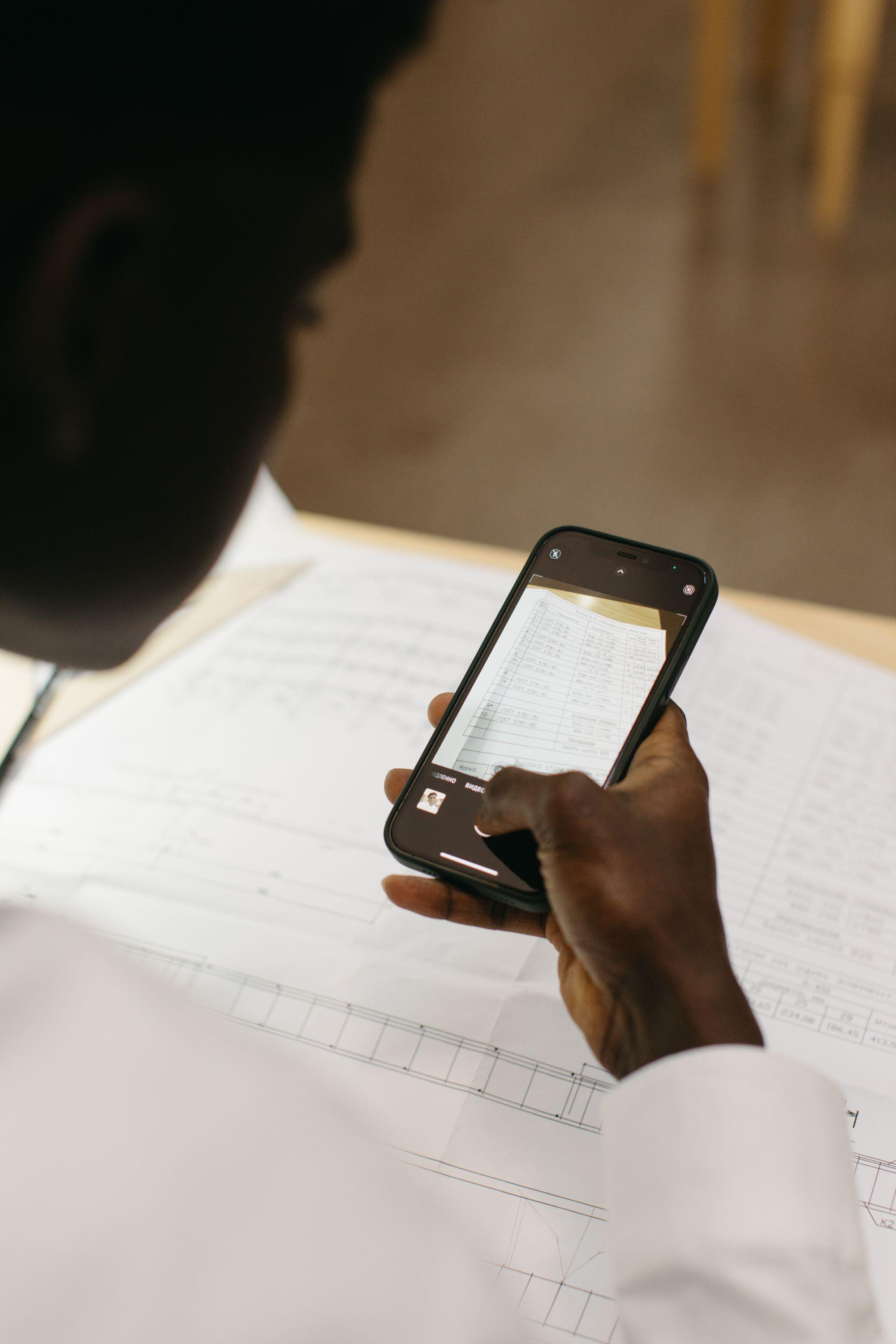








Receipt capture
Best receipt scanner apps
Receipt scanner apps and software that take a document someone was already handed (by phone camera, by forwarding address or by pulling it from a mailbox) and turn it into data.
- 01
Dext
Dext collects the receipts and invoices your accounting practice is sent. Smartbills gets the receipt from the merchant at the moment you pay.
Best forAccounting practices collecting documents from many clients at once, who need client reminders and publishing built in.
Compare it with Smartbills - 02
Hubdoc
Hubdoc moves documents into Xero and stops there. Smartbills adds digital receipts, expense policy, cards and payables around those documents.
Best forXero users whose only need is getting bills and receipts into Xero at no extra cost.
Compare it with Smartbills - 03
Shoeboxed
Shoeboxed digitizes the paper you've already collected. Smartbills gets receipts from the stores that send them. Less paper is printed.
Best forBusinesses sitting on a physical archive, or whose purchases still come with paper receipts.
Compare it with Smartbills - 04
WellyBox
WellyBox finds receipts in your email. Smartbills does that too, and also captures receipts for purchases you pay for by card in person.
Best forSole proprietors who buy almost everything online and want years of email history pulled in at once.
Compare it with Smartbills - 05
Veryfi
Veryfi sells an extraction API to build a receipt workflow on. Smartbills is that workflow, already built.
Best forEngineering teams building their own expense feature who need extraction delivered as a service.
Compare it with Smartbills - 06
Klippa
Klippa sells document AI plus a spend app built on it. Smartbills cuts out the reading step by getting digital receipts straight from the merchant.
Best forEuropean organizations that want one supplier for extraction, document verification and expenses.
Compare it with Smartbills


How to choose a receipt scanner app
Most receipt apps read a clear photo well enough. The differences that matter show up after the photo: what the app reads, how else receipts can get in, and where they go next.
What it reads
Some apps stop at the merchant, date and total. If you claim sales tax back, or need to explain a purchase later, look for line items and each tax on its own line. In Canada that means GST and QST, HST, or GST and PST kept apart.
How receipts get in
The camera is only one way in. Check whether you can pick a batch from your camera roll, add PDFs, connect or forward an email inbox, and whether stores can send receipts to the app directly, so fewer of them need a photo at all.
Where they go next
A scanned receipt only helps once it's in your books. Look for direct sync with QuickBooks Online, Xero or Sage, and check that the image travels with the entry so your accountant or an auditor can open it.
Who it's built for
A freelancer, a ten-person team and an accounting practice need different things: one wallet, approvals and expense reports, or many client files. Pick the product built for your case rather than the one with the longest feature list.
What the free plan covers
Free tiers usually cap receipts per month or leave out accounting sync. Check the limit against how many receipts you actually collect in a busy month.
Where your data lives
Receipts show where you shop and what you buy. Read how the vendor makes money, where the data is stored, and whether it's ever sold or shared.
Where Smartbills fits
Smartbills reads the line items and every tax line from a photo, finds the receipts already sitting in your email, and receives receipts directly from stores that send them through Smartbills. It suits small businesses and finance teams in Canada and the US that want all three in one place, with QuickBooks or Xero sync on a paid plan.
Every comparison in this category
The full set, including the ones above.
Smartbills vs Neat
Neat gives a small business a tidy scanned archive. With Smartbills, most receipts arrive on their own from email and merchants.
Smartbills vs Receiptor AI
For firms and businesses that want receipts found automatically, deciding between scanning inboxes and getting the receipt from the merchant.
Smartbills vs Tailride
Tailride collects invoices from inboxes and web portals into European and US accounting tools. Smartbills does the collecting too, and adds receipts from stores, approvals and payables.
Smartbills vs SparkReceipt
SparkReceipt is a receipt and bookkeeping app for freelancers. Smartbills covers the same capture and adds receipts from stores, bills from supplier portals, approvals and payments.
Smartbills vs Smart Receipts
Smart Receipts turns photographed receipts into PDF and CSV expense reports. Smartbills reads them too, finds the ones in your email and syncs everything to your books.
Smartbills vs Foreceipt
Foreceipt scans receipts and builds PDF or Excel reports for tax time. Smartbills reads every item and tax, checks your mailbox itself and syncs to your books.
Smartbills vs SimplyWise
SimplyWise scans and stores receipts for tax season. Smartbills reads each item and tax, routes approvals and syncs expenses to your accounting software.
Smartbills vs Genius Scan
Genius Scan turns paper into clean PDFs. Smartbills turns a receipt into an expense: merchant, items, taxes and total, ready for approval and your books.
Smartbills vs Adobe Scan
Adobe Scan turns receipts into searchable PDFs in Adobe's cloud. Smartbills turns them into expenses, with items, taxes and totals read for you.
Smartbills vs CamScanner
CamScanner scans, converts and edits documents of every kind. Smartbills reads receipts into expenses and keeps them ready for approval and your books.
Smartbills vs Everlance
Everlance logs drives automatically and finds deductions in your bank feed. Smartbills starts from the receipt, reads every item and tax, and syncs to your books.
Smartbills vs MileIQ
MileIQ tracks drives and nothing else. Smartbills covers the rest of the claim: receipts read item by item, mileage from your trips, approvals and sync.
Smartbills vs Hurdlr
Hurdlr tracks a freelancer's mileage, income and tax estimates. Smartbills reads every receipt line by line and syncs expenses to the books your accountant uses.
FAQ
Frequently asked questions
Get started
Compare on your own data, not ours.
Connect a card feed and your ledger, run it for a month and count the transactions that ended up with an itemized document attached. That number is the comparison that matters.