Saltar al contenido principal
Ahorre un 30 % en su primer año
Coming soon

Corporate cards with the receipt already attached

Smartbills corporate cards will follow the budget and spending rules you set. Itemized receipts from connected merchants will be matched to the charge automatically.
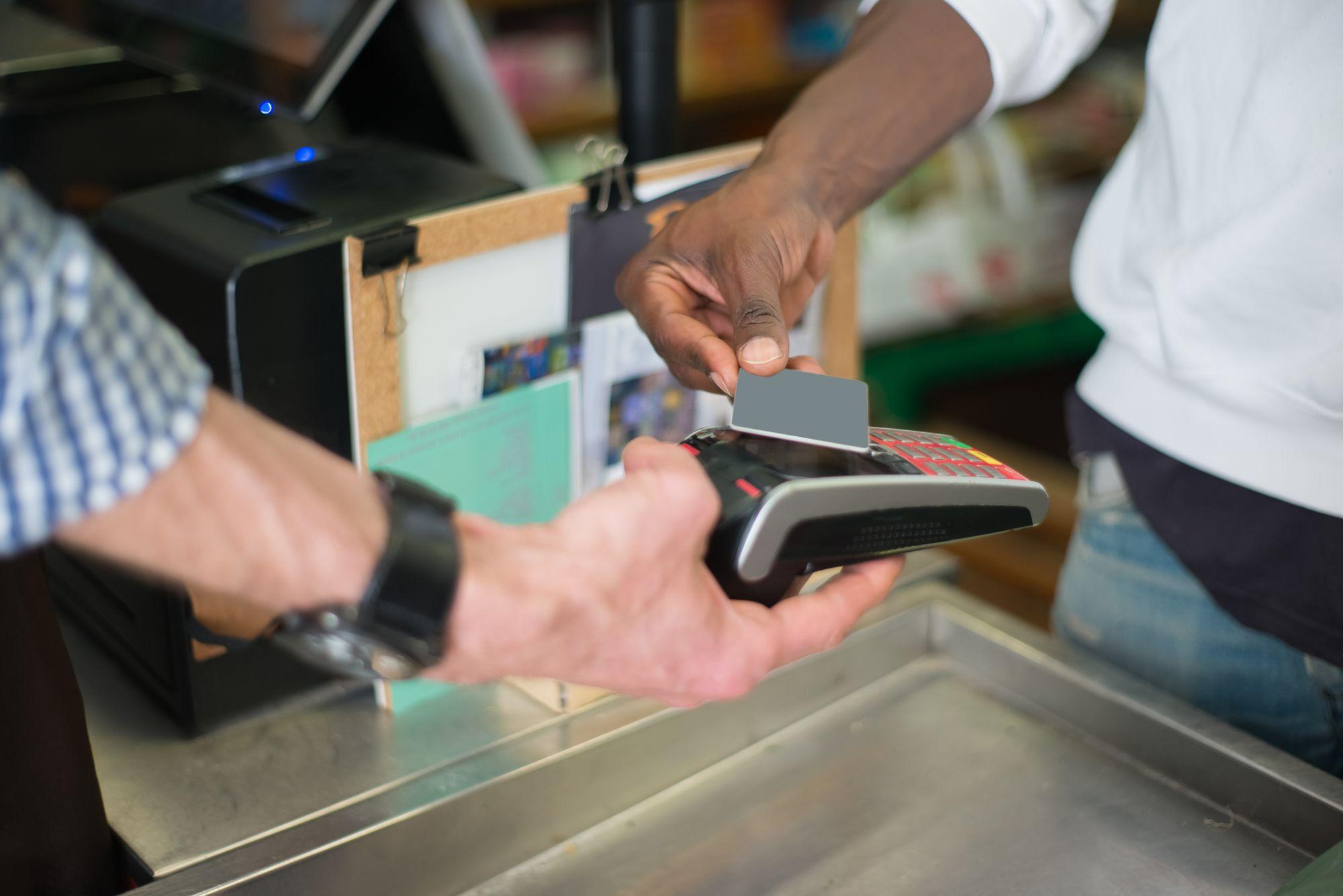
A customer taps a card on a payment terminal at a store counter

Each card will spend against a budget line, with your policy checked at checkout and the receipt attached to the charge.

A corporate card per vendor or subscription

Issue a card that works at one merchant, for one amount, until one date. If a subscription doubles its price, the card won't cover the difference, and cancelling the subscription is as simple as closing the card.

  • Locked to a merchant, an amount and an expiry date
  • One card per subscription; cancelling means closing the card
  • Physical cards for the people who buy in person

Limits drawn from the budget itself

Each card's limit comes from the budget line it spends against. Raising the budget raises the card's limit and using up the budget stops it. Cardholders can check what's left before they buy.

  • Per-card, per-category and per-month limits from the budget
  • Remaining balance visible to the cardholder before they buy
  • Budget changes apply on the next authorization

The receipt is already on the charge

Smartbills receives itemized receipts directly from merchants on its network. A charge from one of them arrives with every line, each tax component and its GL code, and there's nothing left to match afterwards.

Freeze a card without a phone call

Cards are managed in the same place as your budgets and your people. You can freeze, reissue or close one there, and a departing employee's cards close along with their account.

How corporate cards works

  1. Set the budget

    Budgets live in Smartbills by team, project and GL account. Cards spend against those lines, not a limit someone updates by hand.

  2. Issue the card

    Physical for a person, virtual for a vendor or subscription. Merchant, amount and expiry are set when you create it.

  3. Policy checks at checkout

    Every purchase is checked against merchant, category, amount and remaining budget. Out-of-policy purchases are declined, and the cardholder is told why.

  4. Receipt and coding attached

    The itemized receipt, budget line and GL code land on the transaction and post to your ledger. Nothing to reconcile at month-end.

FAQ

Frequently asked questions

What people ask us before they sign up.

A corporate card is a payment card issued by a company to its employees for business purchases, billed to the company rather than to the employee. Smartbills corporate cards are coming soon: they'll be issued against a budget line, decline out-of-policy purchases at authorization and bring in the itemized receipt from network merchants.

Not yet. Corporate Cards isn't generally available and there's no public launch date. We've published this page so teams evaluating Smartbills can see what we're building and tell us whether it matches how they control company spending.

Use Expense Management and Digital Receipts with the cards you already have. Itemized receipts arrive from network merchants and are matched to each charge as it posts, and your policy is applied to the expense. The piece that's missing today is the decline at checkout, and that's what Corporate Cards adds.

We aren't publishing a date, because card issuing depends on regulatory and banking-partner work whose timing we don't fully control. Join the waitlist and we'll contact you before cards open.

Yes, and they're arguably the more useful half of the plan. A virtual card locked to one merchant, one amount and one expiry date turns a surprise subscription renewal or a trial nobody cancelled into a card setting instead of a dispute with the vendor.

Expense management is the policy (what can be bought, by whom, up to what amount, and who approves exceptions), while a corporate card is what carries that policy to the point of purchase. The policy is useful without the card, but the card isn't much use without the policy.

Yes, for merchants on the Smartbills network: the itemized receipt is delivered with the transaction. The charge, its lines and its coding are one record from the start. For merchants outside the network, the capture and reminder flow in Expense Management takes over, and that covers a shrinking share of charges.

No. Most of the work in controlling card spend is the policy, the receipt and the posting, and those are available today. Teams usually adopt them first with their existing cards and move to Smartbills cards later. Waiting only delays the part that saves the most time.

Look at how limits are set, whether out-of-policy purchases are stopped at the card rather than caught later, and how the receipt gets attached to each charge. Those three decide how much work every swipe creates for finance.

Get started

Get on the list before cards open.

Tell us how your company buys today, and we'll be in touch before cards launch.